Stop manually searching through PDFs. Extract felony counts, conviction details, and incarceration history automatically and securely on your local machine.
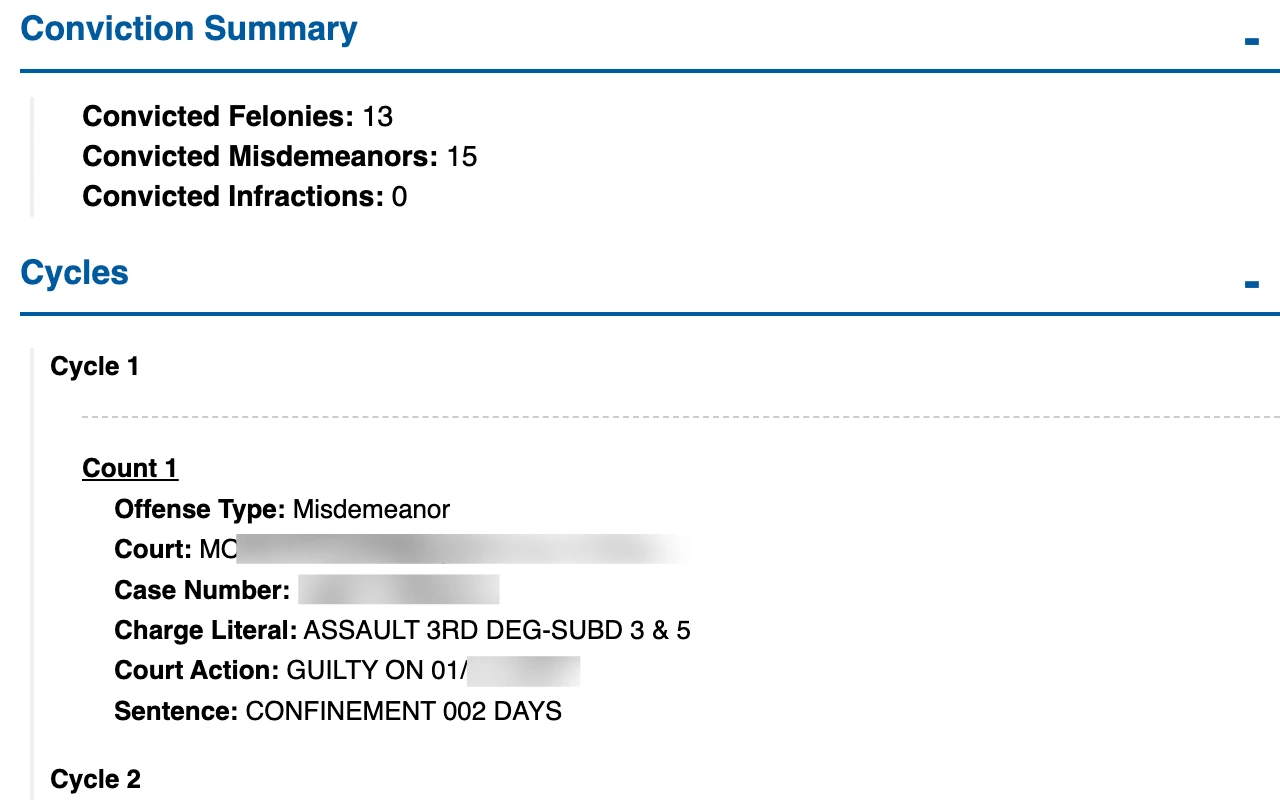
Our summarizer is built with the needs of prosecuting attorneys in mind: security, speed, and simplicity.
Get the important information immediately. Our tool instantly pulls felony and misdemeanor counts, cycle details, and incarceration history.
Everything stays local. PDFs are processed in your browser, ensuring compliance with MULES data requirements. Nothing is uploaded to a server.
Easily handle scanned documents. Our tool works with free online OCR converters to make any PDF electronically searchable.
If your PDF is a scanned image, it needs to be converted into a text-readable format first using Optical Character Recognition (OCR). Follow these simple steps:
"Works great! Good job!"
"I really like it. It extracts all of the information that I need. Saves me a few minutes each time I need it."
Unlimited PDF summaries
Secure, in-browser processing
Discounts available with other products
30-Day Money-Back Guarantee